
Maintaining a giant LED screen involves four key areas: surface cleaning, preventive maintenance, thermal management, and fault diagnosis. The goal is to preserve the durability of the equipment well beyond the advertised 100,000 hours.
LED screen maintenance: methods and best practices
A high-value screen demands a clear routine. Cleaning the facade, monitoring cables, calibrating colorimetry, checking cooling: every action delays the wear of LEDs and power supplies. The LED screen lifespan page details the key quantitative factors; performance depends on how regularly checks are performed.
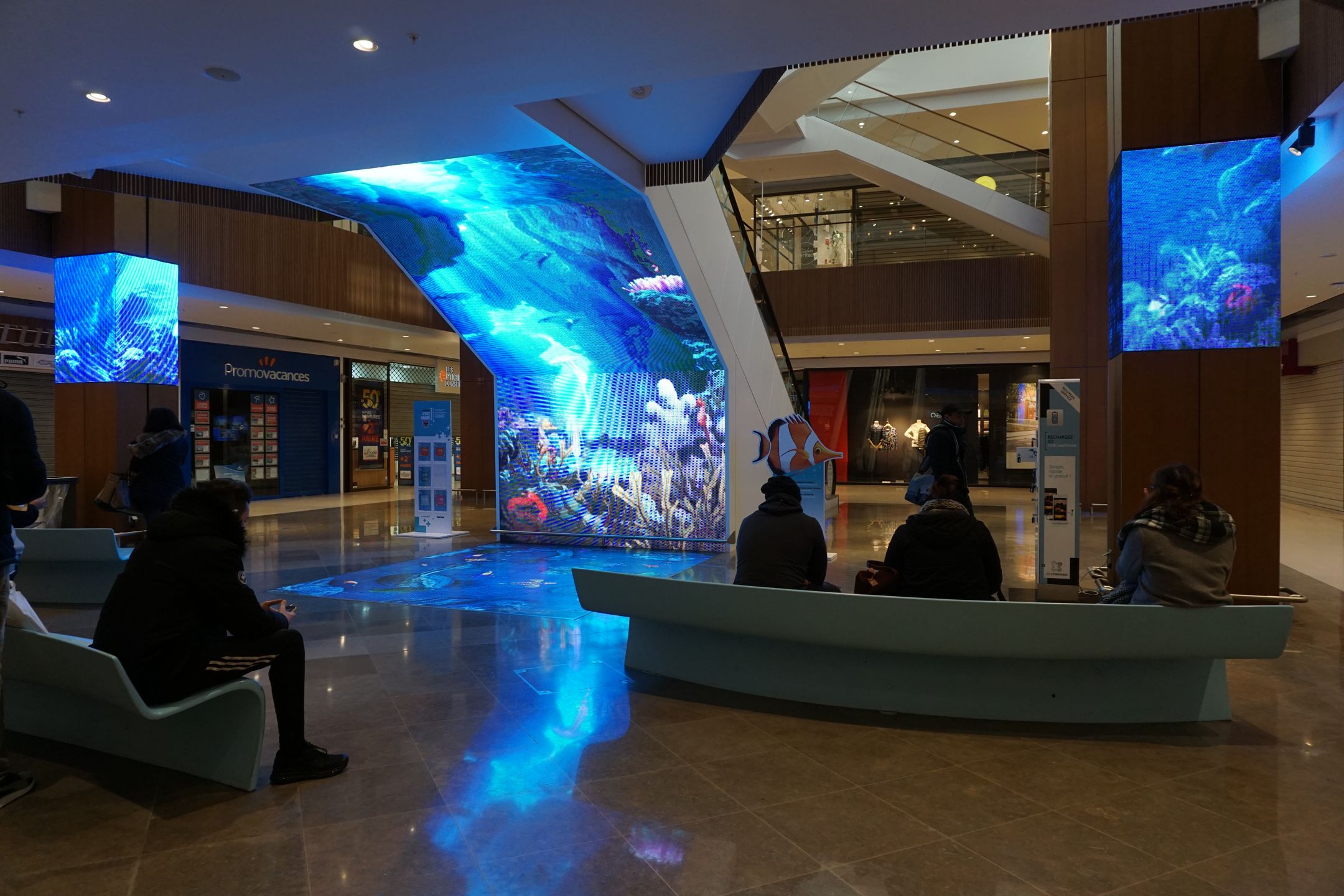
Cleaning a giant LED screen without damage
The method for any LED display and large-format panel is essentially the same. Use only a dry microfiber cloth. Spray the cleaning solution onto the fabric, never directly onto the panel. Wipe in vertical or horizontal strips to limit liquid infiltration and streaks. The LED screen maintenance page details every step.
- Microfiber cloth: protects the anti-reflective coating regardless of the screen size.
- No ammonia or pure alcohol: prefer isopropyl alcohol diluted in distilled water.
- Dust fans monthly: dust restricts airflow and causes temperature to rise.
- Linear movements without pressure: avoid circular scrubbing which causes micro-scratches.
How to remove water and moisture from an LED screen
Always turn off the device before taking action. Water infiltration often occurs on outdoor installations that lack IP65 rating. Let it dry naturally, maintain humidity below 60%. Inspect the peripheral seal: a cracked seal lets moisture through and corrodes the structure. Repaint metal areas as soon as rust appears: corrosion progresses rapidly under outdoor humidity fluctuations.
Preventive maintenance and thermal management
Unlike plasma screen maintenance, the priority here is heat dissipation. Keep the rear of the chassis below 45 °C. A 10 cm clearance on each side is often enough, but an auxiliary fan may be needed in summer. The brightness setting directly affects heat: 80 % intensity reduces both heat generation and power consumption (see LED screen power consumption). Turn the screen off for a few hours daily to let components cool down. Stabilize the power supply: voltage spikes wear components just as much as heat does.
An annual firmware update fixes control bugs and can improve the thermal management of modules. The LED screen maintenance guidelines remind you of the temperature thresholds not to exceed.
| Maintenance action | Frequency | Objective |
| Surface and module cleaning | Monthly | Eliminate dust |
| Fans and vents | Monthly | Thermal dissipation |
| Connectors and fasteners | Quarterly | Prevent oxidation |
| Colorimetric calibration | Biannual | Color stability |
| Structure and seals | Biannual | Corrosion detection |
| Firmware update | Annual | Software fixes |
LED screen repair: quick diagnosis
Start with the indicator LEDs. Solid red: power supply is OK. Three green flashes: no video signal — check the output card. Black screen with normal LEDs: suspect the software. For moisture, follow the drying procedure described above. The repairability index helps decide between replacing a module or doing a complete swap.
- Isolated dead pixel: try a reactivation software tool, then replace the module if needed.
- Module to replace when faults cover less than 5 % of the surface.
- Full panel recommended if more than 5 % are affected, especially on fine pitch screens.
- Flickering: check the video cable and inspect the pins regularly.
Loss of 30 % brightness, yellowing, or excessive heat after ten years: contact a professional service before a complete failure occurs.
Frequently asked questions
What product should I use to clean a giant LED screen without damaging it?
For routine maintenance of a giant LED screen, the safest choice is a soft, dry microfiber cloth. It removes dust and surface marks without aggressiving the surface.
If stains persist, apply a very dilute mixture of isopropyl alcohol and distilled water to the microfiber, never directly on the screen. The difference lies in proper application: a misdirected product can seep into the edges, degrade certain surface treatments, and weaken sensitive areas.
Ammmonia-based or pure alcohol cleaners should be avoided. These aggressive solvents degrade the anti-reflective coating and eventually disturb the perceived visual quality at full brightness.
What is the real lifespan of a well-maintained giant LED screen?
Lifespan depends first on usage patterns. In continuous commercial use, 24/7, a giant LED screen averages between 6 and 11 years.
Conversely, operation limited to 16 hours per day, with controlled ventilation and brightness set to 80 %, can extend this to up to 17 years indoors. The result depends as much on the thermal environment as on the intensity of use.
Consistent maintenance significantly extends service life: connectors checked quarterly, calibration done biannually, and temperature kept below 45 °C.
How do I handle a giant LED screen that shows a black image while the indicator lights seem normal?
When the screen stays black but the status LEDs appear normal, the diagnosis first points to the output card or the software configuration. In real installations, resolving this anomaly often involves a systematic check of the entire signal chain.
First, check the HDMI or DVI connections. A damaged pin can cut the signal, which is why testing with a replacement shielded cable is worthwhile.
If the fault persists, increase brightness from the control software to rule out an involuntary sleep mode. Once that check is done, replacing the output card is the logical next step.