
This article explains how to clean an LED TV screen without damaging it: recommended equipment, compatible products, proper techniques, and mistakes to avoid. The goal is to preserve display quality over time and make it easier to maintain a giant LED screen in everyday use.
Preparing the Screen and Choosing the Right Product
Before cleaning your screen, check two things: the panel temperature and the materials you will use. A hot screen or one still powered on increases the risk of persistent streaks, liquid infiltration, and electronic damage. A few minutes of preparation are enough to make the cleaning process safe.
Turn Off and Unplug the TV
Turn off the television and let the panel cool for five to ten minutes before unplugging it. This step matters: to clean an LED screen without leaving streaks, start with a cold surface — heat accelerates water evaporation and promotes marks. A powered-off screen also reveals dust and fingerprints more clearly.
- Complete cooling: wait 5 to 10 minutes after turning off the TV so the surface temperature stabilizes and prevents premature evaporation of the cleaning solution.
- Unplug the TV: disconnecting the television from the power outlet eliminates the risk of electrocution and protects internal components from infiltration damage.
- Easier spotting: on a cold, powered-off screen, oily fingerprints and microscopic particles appear more clearly, allowing you to target your cleaning precisely.
- Pre-dusting: pass a dry microfiber cloth first to eliminate particles that could scratch the surface before any moisture is applied.
To learn more about preventive maintenance in professional installations, check out the lifespan of a professional LED screen, which depends notably on the rigor applied from these very first steps.
Choose a Compatible Cleaner
For more stubborn stains, a cleaner specifically designed for screens — free of alcohol and ammonia — may be suitable: check its compatibility with TV panels before applying.
Very dilute isopropyl alcohol in distilled water can be reserved for persistent marks. Apply it only on the cloth, with restraint. Then wash the microfiber cloth without fabric softener, as the latter leaves a greasy film that creates new streaks and reduces cleaning effectiveness.
| Product | Use | LED Panel Compatibility |
| Distilled water | Light streaks, damp dusting | Yes, apply to the cloth |
| Alcohol-free screen cleaner | Moderate dirt | Yes, check product label |
| Very dilute isopropyl alcohol | Persistent marks | With caution, cloth only |
| Pure alcohol | None | No, degrades the anti-reflective coating |
| Ammonia / glass cleaner | None | No, irreversibly damages the surface |
| Pure white vinegar | None | No, acidic — attacks waterproof seals |
Cleaning a Screen Without Leaving Streaks
How you pass the cloth matters as much as the product you choose. Excessive pressure, a microfiber cloth that is too damp, or uncontrolled circular motions can cause micro-scratches and leave streaks. For safe maintenance, the result depends on the method as much as the materials.
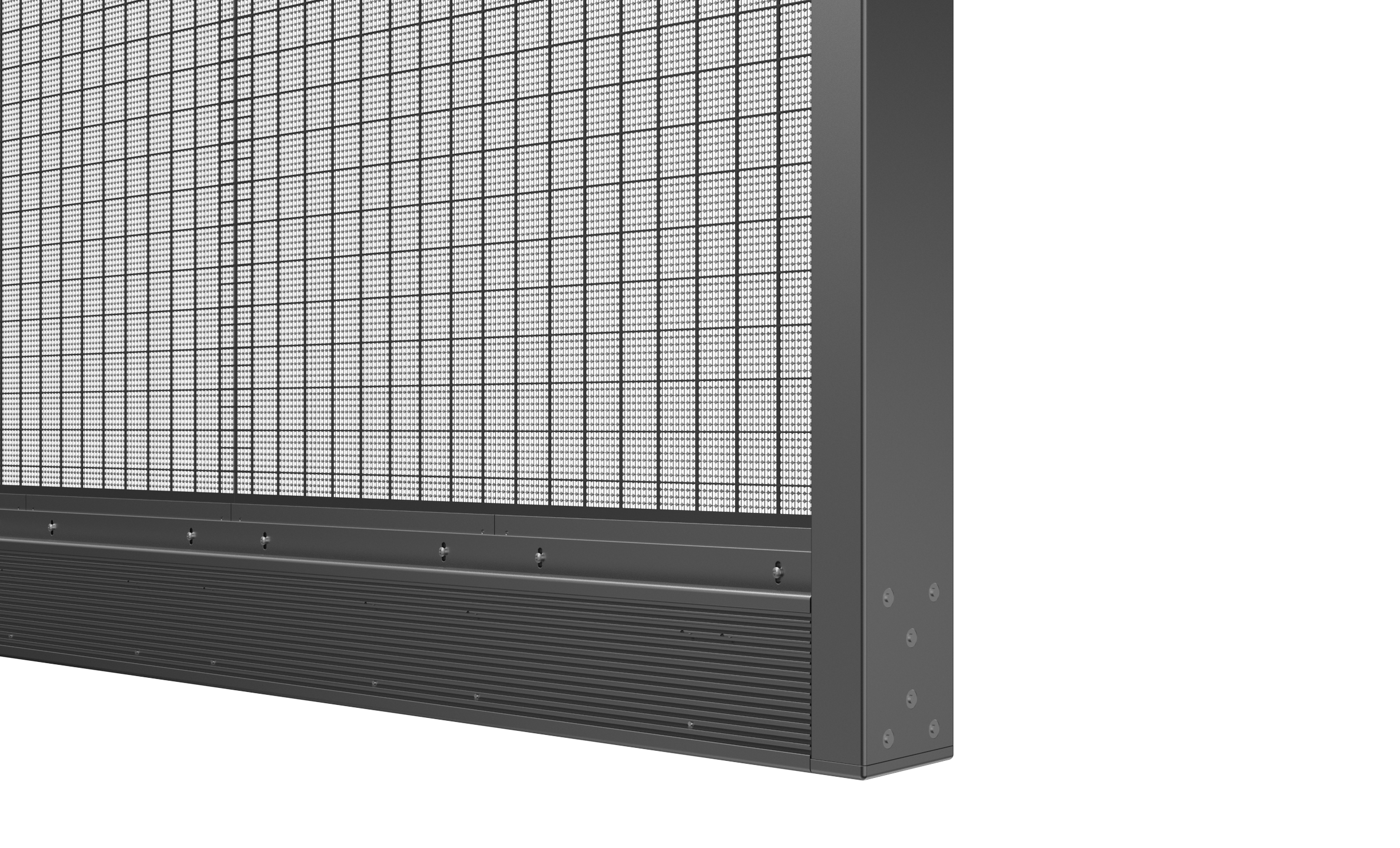
Apply Liquid to the Cloth — Not the Screen
Dampen the cloth very lightly — never spray the panel directly: this is the golden rule for cleaning a TV screen without leaving streaks. Direct liquid spray on the screen can favor infiltration through the edges, reach electronic components, and cause permanent damage. The fabric should be barely damp: no drops should be visible.
- Controlled saturation: place a few drops of distilled water or compatible solution on the microfiber cloth. Then dab to distribute the moisture evenly.
- Tactile check: run the back of your hand over the fabric. A cool sensation without wetness indicates the right level; if the cloth sticks slightly, it is too wet.
- Cotton swab for edges: clean the corners, gaps, and panel edges with a dry or barely damp cotton swab, without letting water into the seals.
Use a clean microfiber cloth for each session. Abrasive particles trapped in the fabric can scratch the surface, even with light pressure. Keep a dedicated dry cloth for the screen, washed without softener, and stored away from dust.
Use Gentle, Linear Motions
Prefer linear movements — horizontal or vertical — with almost no pressure on the panel. Linear motions distribute pressure evenly across the surface. For a localized stain, work only that zone with a barely damp corner of the cloth, then gradually widen your strokes toward the edges.
4K LED screens require a microfiber cloth with very fine weave and perfect cleanliness: their high pixel density makes even the smallest scratch visible and can alter perceived Ultra HD clarity. A second pass with the dry side of the cloth, always in straight lines, completes the drying and eliminates the last traces.
Dry and Inspect the Panel
Let the screen air-dry naturally before plugging it back in. The panel must be completely dry, with no visible wet spots or damp sensation to the touch. Inspect at different angles with the screen off to spot streaks, halos, and lingering moisture in the corners. What the eye catches is surface uniformity under oblique lighting: imperfections show up most under angled light, before the TV turns back on.
Products to Avoid and TV Maintenance
Good habits start with product choice. Some common cleaning supplies and household materials seem harmless, but they can attack the anti-reflective coating or leave abrasive particles on the panel. Regular preventive maintenance extends display lifespan and preserves image quality.
Cleaning Mistakes to Avoid
Knowing how to clean an LED screen is not enough: you also need to know which products to avoid. Ammonia and pure alcohol can permanently destroy the anti-reflective coating. Window cleaners, kitchen products, and bathroom detergents contain aggressive compounds incompatible with TV panels. Also avoid pure white vinegar, whose acidity can attack waterproof seals and cause corrosive infiltration into the flat-screen TV.
Maintain Your TV Screen Regularly
For routine maintenance of a TV in a standard home, a monthly dry wipe with a microfiber cloth is generally enough. However, frequency depends on the environment: a room exposed to dust or heavily used may justify a weekly pass. Clean without excessive pressure.
- Monthly dry cloth: wipe the front surface with a dry microfiber cloth, no alcohol or solvent, to remove accumulated dust without risking scratches on the panel.
- Rear vents: dust the ventilation grilles with a soft cloth or compressed air to prevent overheating. The temperature at the back of the chassis should stay below 45 °C.
- Clearance around the screen: maintain at least 10 cm on each side of the chassis to ensure sufficient air circulation and help stabilize the temperature of internal components.
If, after careful cleaning, the screen shows persistent dark spots, dead pixels, abnormal colors, or flickering, these symptoms call for a technical diagnosis rather than a cleaning issue. The LED screen troubleshooting guide from FlexLedLight details appropriate methods for persistent stains, LED failures, configuration problems, and synchronization anomalies — then directs you to the right solution for each case.
Frequently Asked Questions
Can I clean an LED screen with a regular damp cloth?
A regular damp cloth carries two risks: its rough fibers can scratch the anti-reflective coating, while tap water leaves mineral deposits after drying. To clean a TV screen without damaging it, use a clean, soft microfiber cloth, very lightly dampened with distilled water. Start with a dry cloth to eliminate dust particles that could create micro-scratches. On a cooled, powered-off LED panel, a properly prepared damp cloth poses no difficulty.
What cleaning product should I choose for an LED TV screen?
For routine flat-screen maintenance, distilled water applied to a microfiber cloth is the safest choice. If stains resist, a product specifically designed for screens may work, provided it is alcohol- and ammonia-free and compatible with LED panels. Very dilute isopropyl alcohol in distilled water can treat certain persistent marks, but only on the cloth and with restraint. Avoid any household cleaner not intended for display surfaces.
How often should I clean an LED TV screen?
In a standard, low-dust home, a monthly dry pass with a microfiber cloth is sufficient for a television. Conversely, an open kitchen, a heavily used room, or the presence of pets justifies a light weekly maintenance pass to prevent dust and fingerprint buildup. Ventilation grilles should be dusted separately, once a month, without applying any liquid to the panel. This regularity limits the need for aggressive cleaning and helps preserve image quality.